Everything your restaurant runs on, in one app
Every part of Munshi shares the same orders, menu, staff and cash, so nothing has to be typed twice and the numbers always agree.
Take orders fast
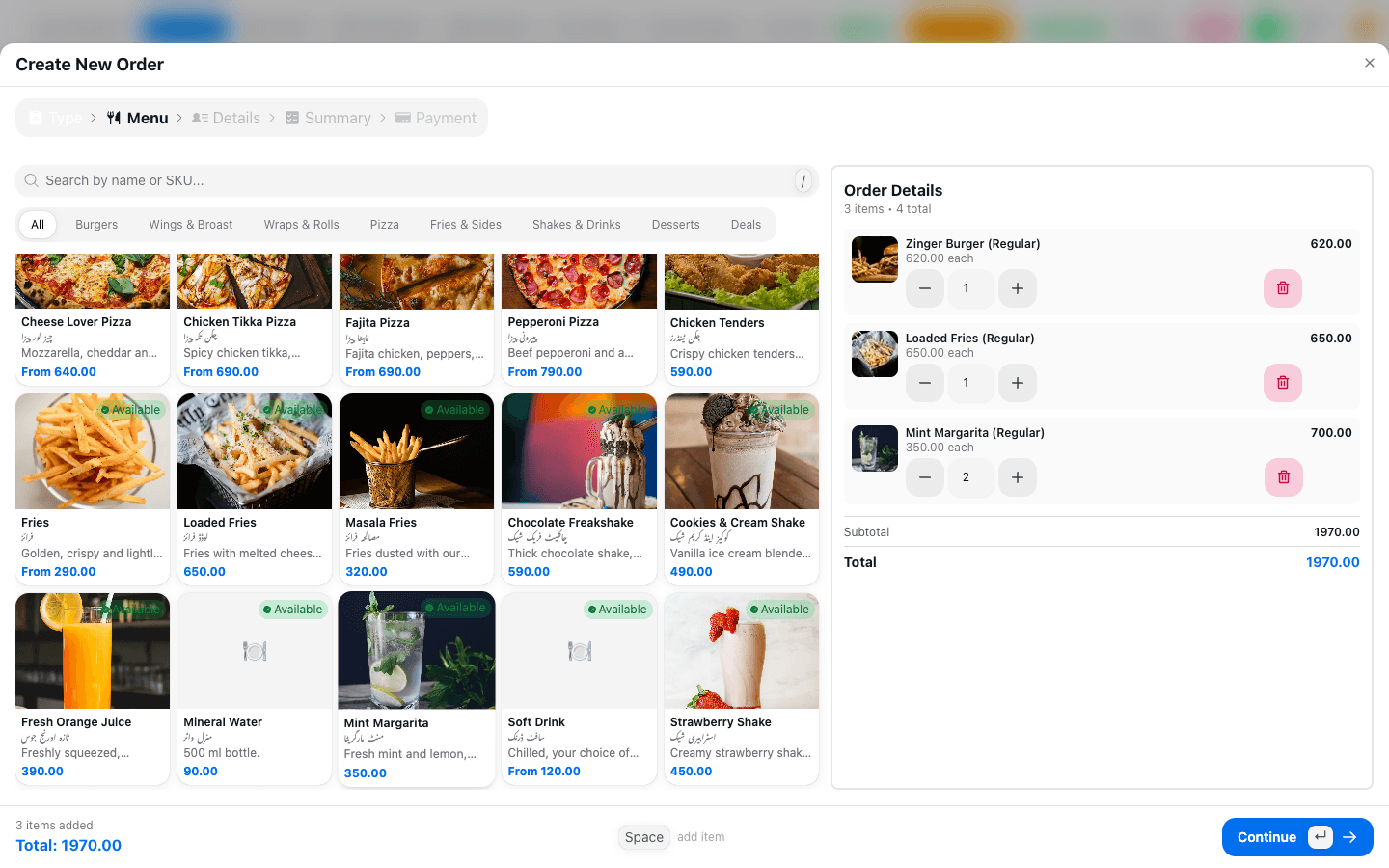
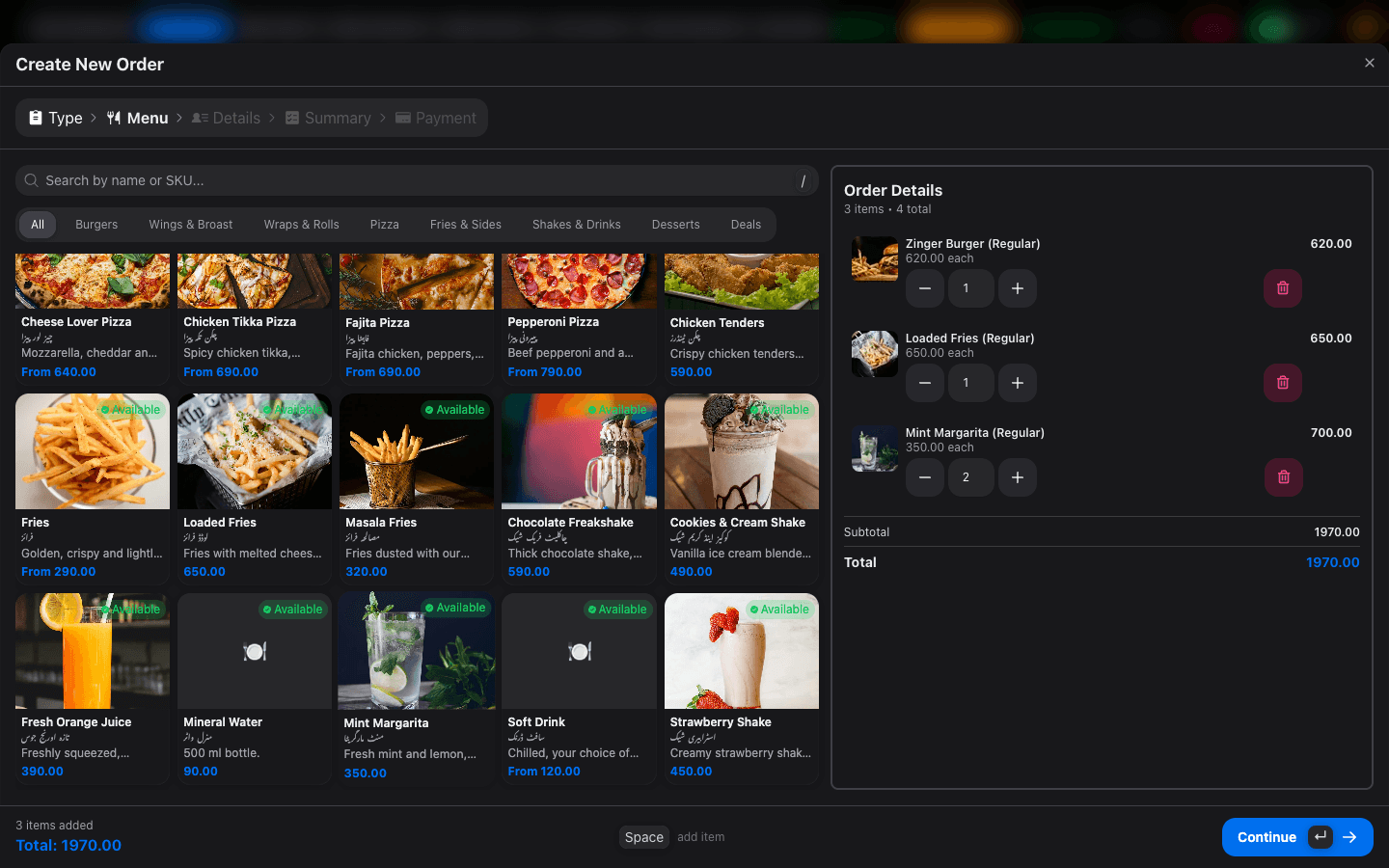
A point of sale built for the rush. Pick a table, tap the items, send it to the kitchen. Waiters work from a tablet; the counter works from a laptop.
- Table map that shows which tables are free, busy or waiting to pay
- Takeaway tokens and delivery orders, with who served or delivered each one
- Split payments across cash, card and bank transfer
- Keeps taking orders when the internet drops, and syncs when it's back
Kitchen in the loop
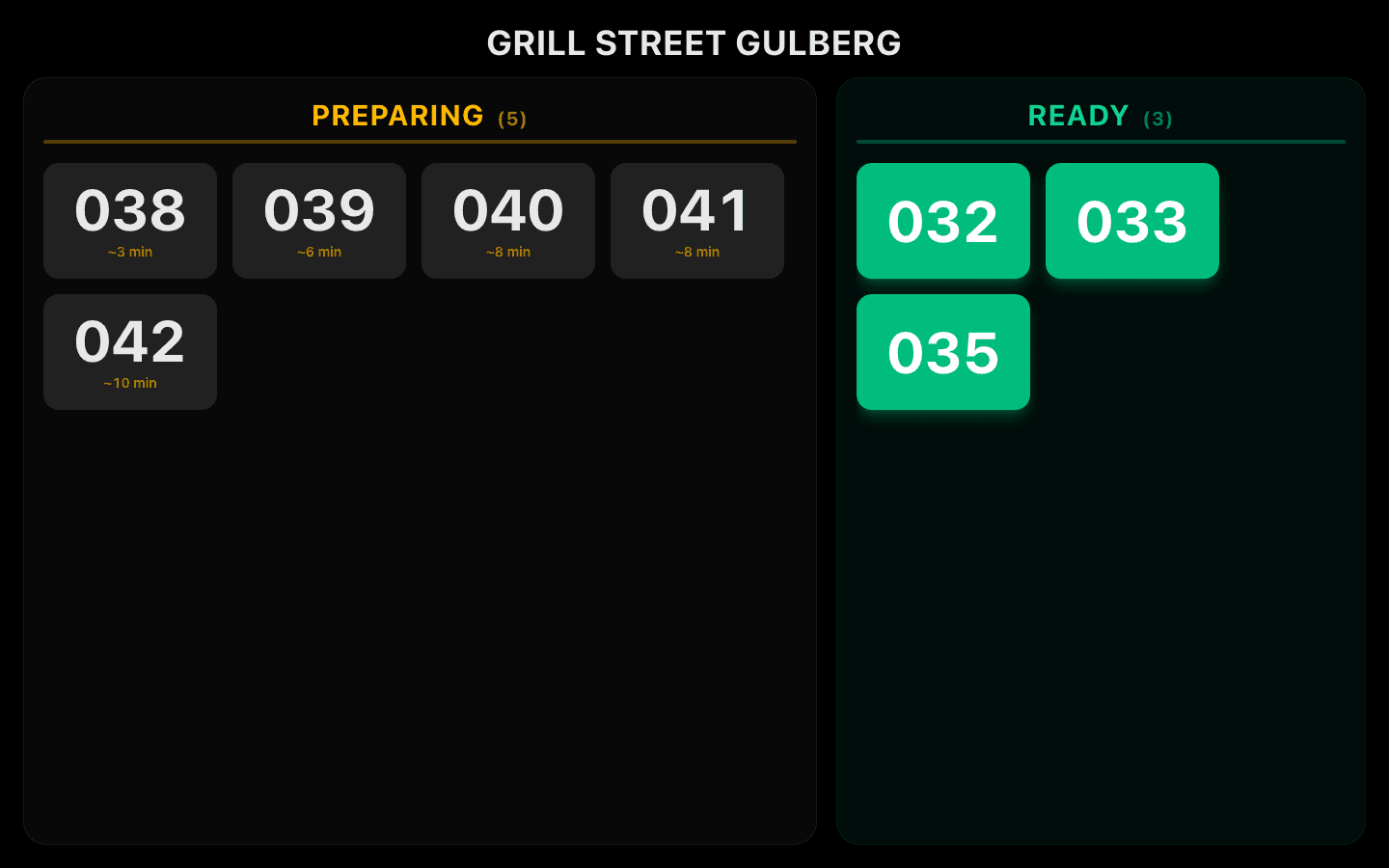
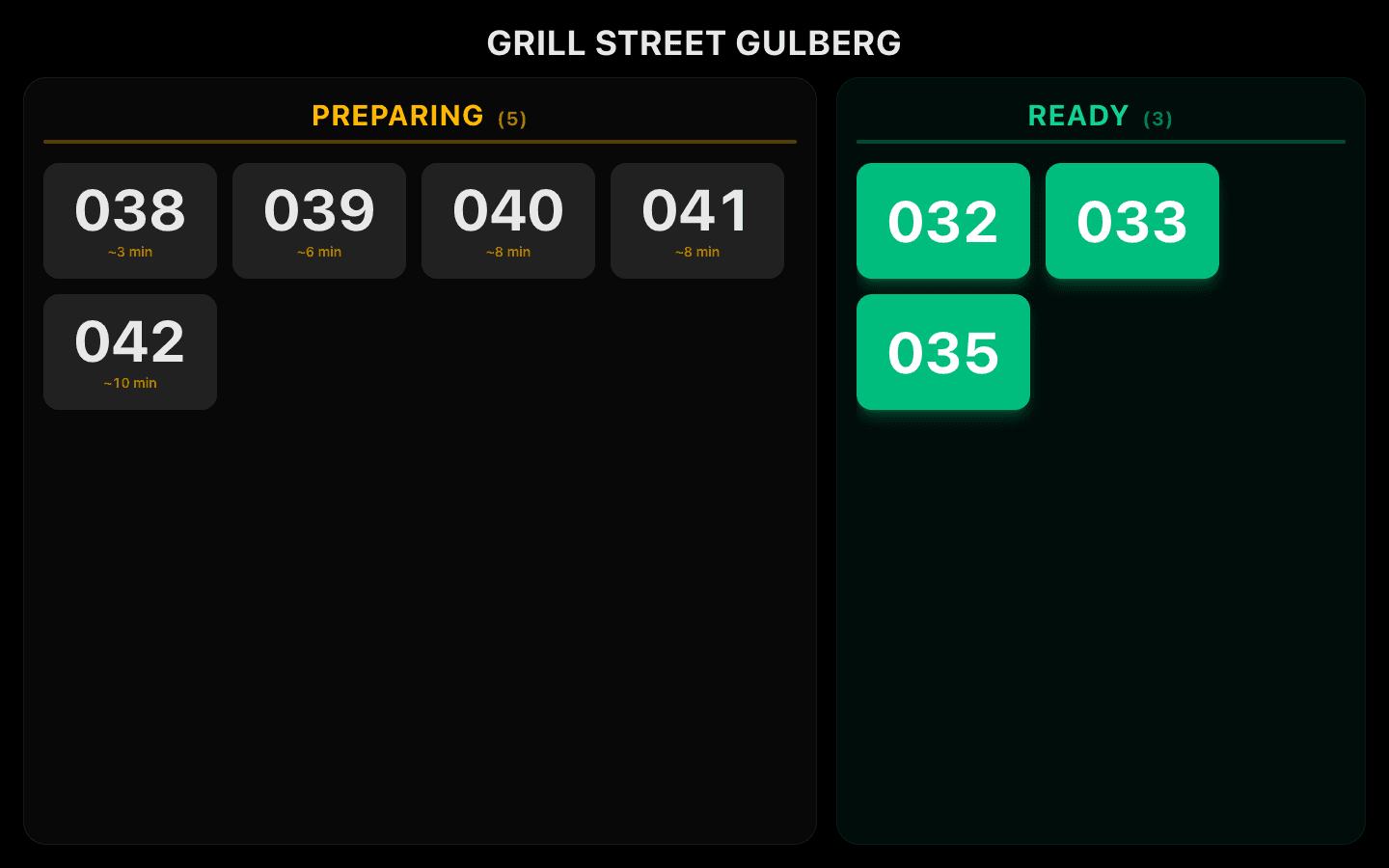
Every order prints a kitchen ticket the moment it's confirmed, and a changed order prints only what changed. Customers watch their token move from Preparing to Ready on a TV.
- Kitchen tickets (KOT) and customer bills from your printer
- Change tickets that show only what was added or removed
- Token display board for counter and pickup
- Order status flow you choose: quick service or full restaurant
Your own ordering page
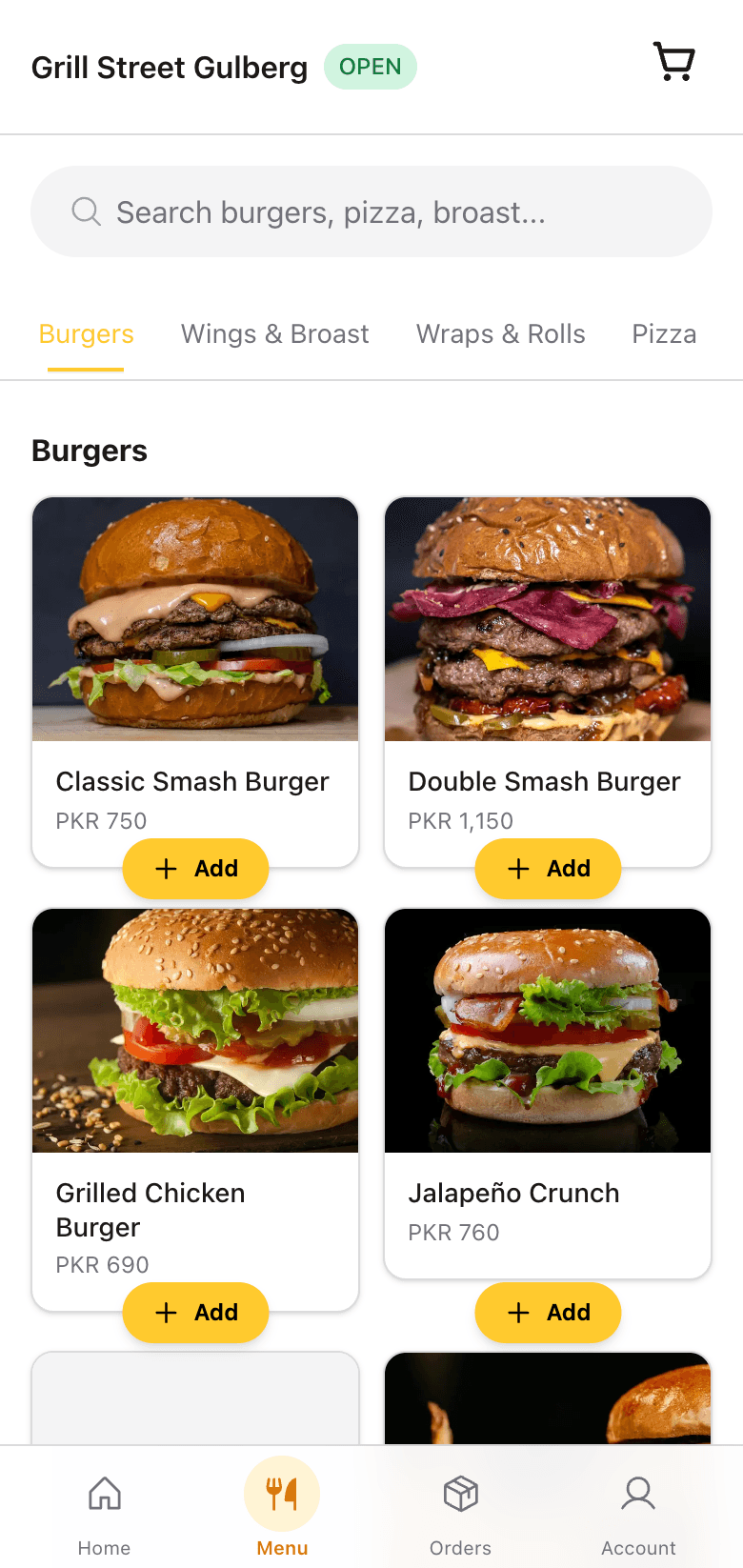
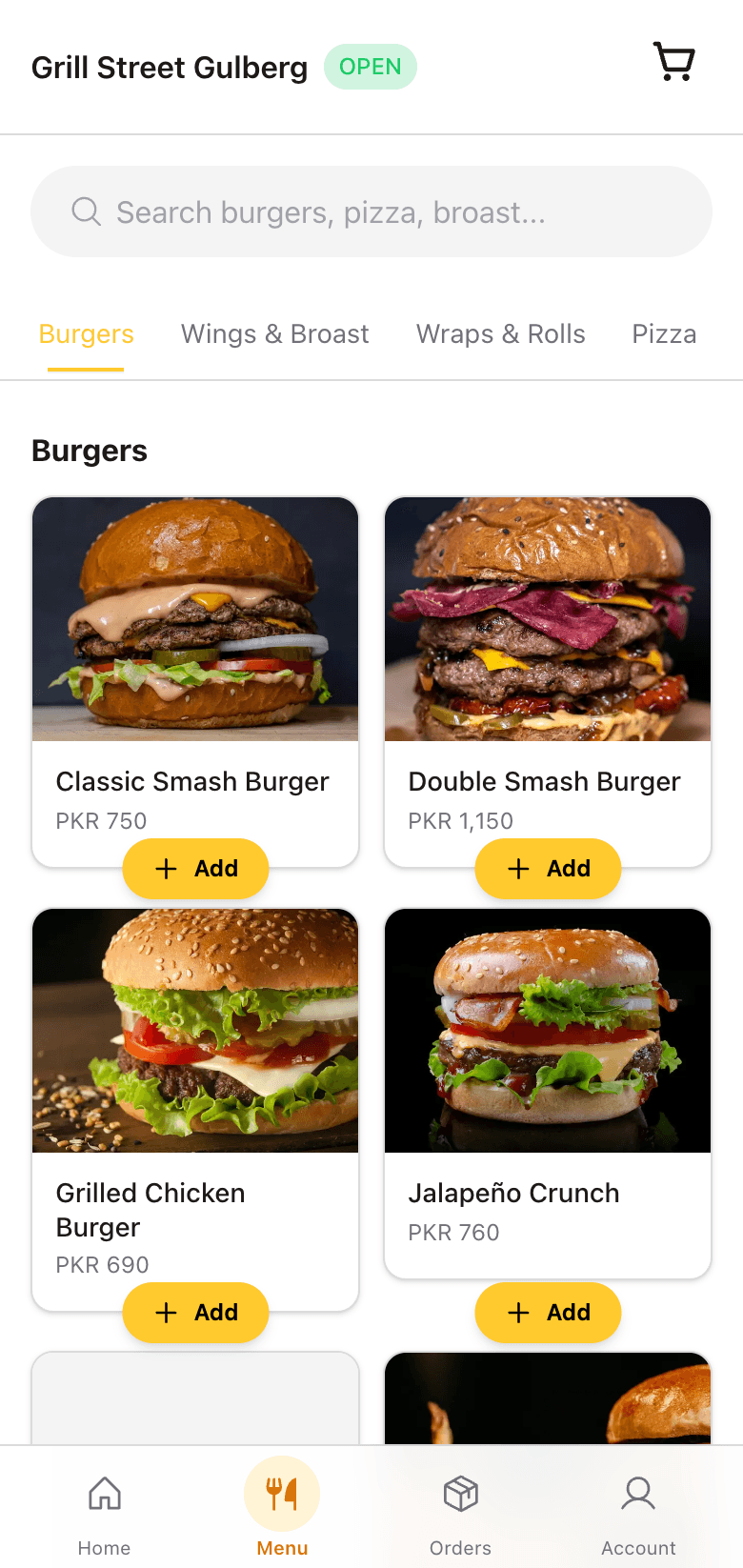
Every restaurant gets its own ordering page with your menu, deals and delivery areas. Orders land straight on the POS with a sound, and customers track them live.
- Your own web address, your branding
- Menu with Urdu names alongside English
- Live order tracking for the customer
- You accept every online order before it reaches the kitchen
Stock that counts itself
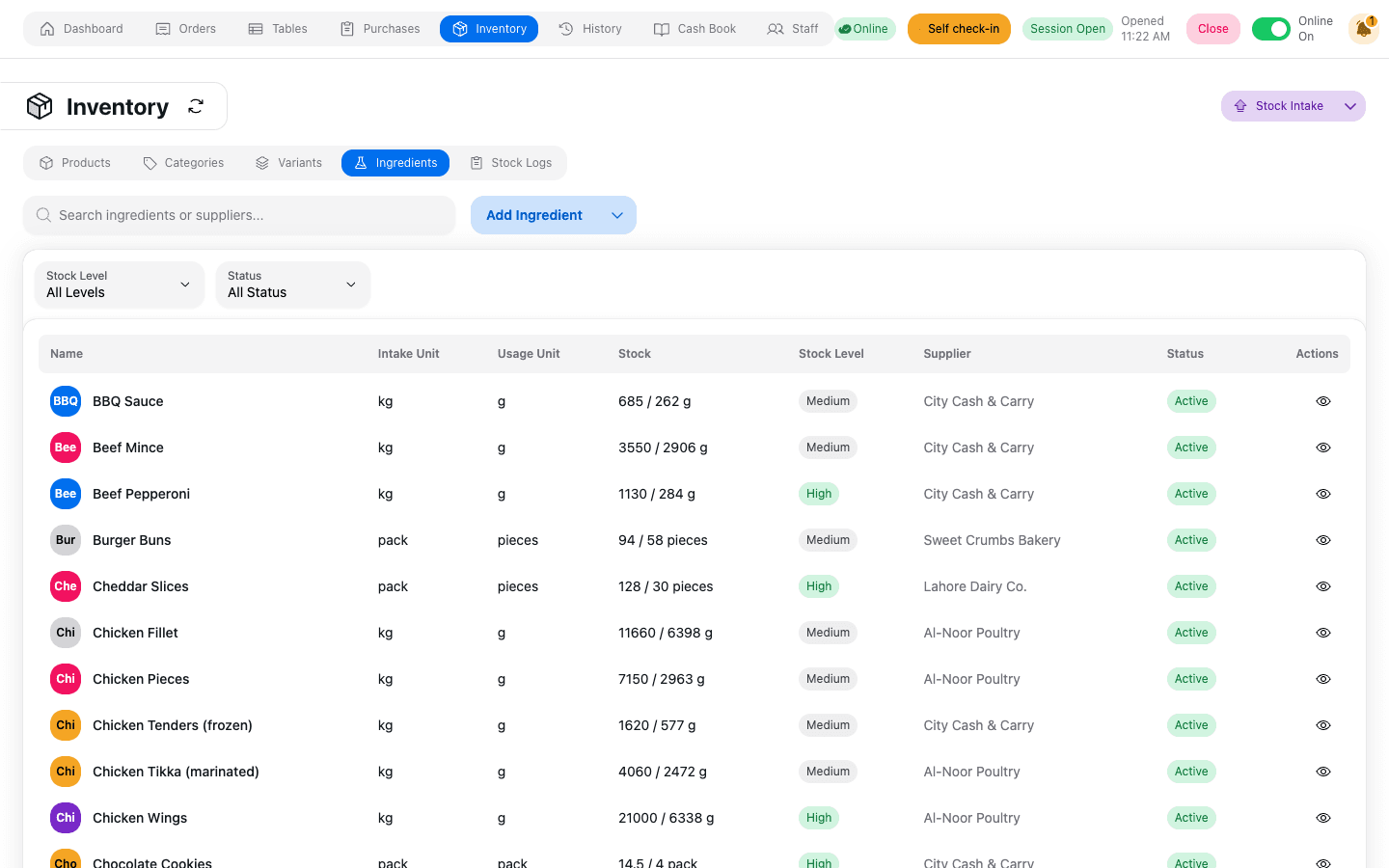
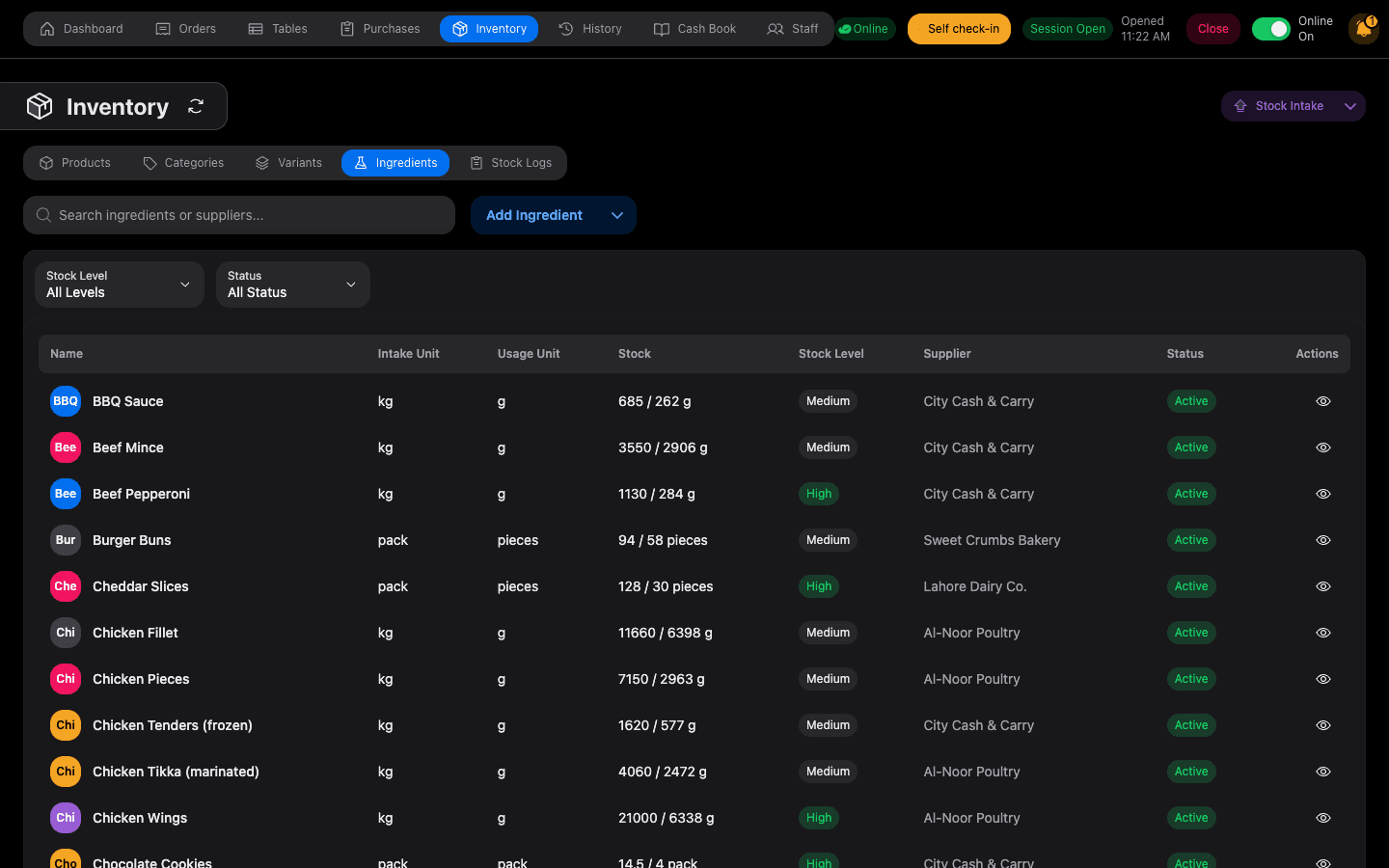
Set a recipe once and every sale takes its ingredients off the shelf. See what you used, what you should have used, and where the difference went.
- Ingredient recipes for every menu item
- Stock log that records who moved what, and why
- Real cost of every dish, from what you actually paid
- Low-stock warnings before you run out mid-service
Purchases and suppliers
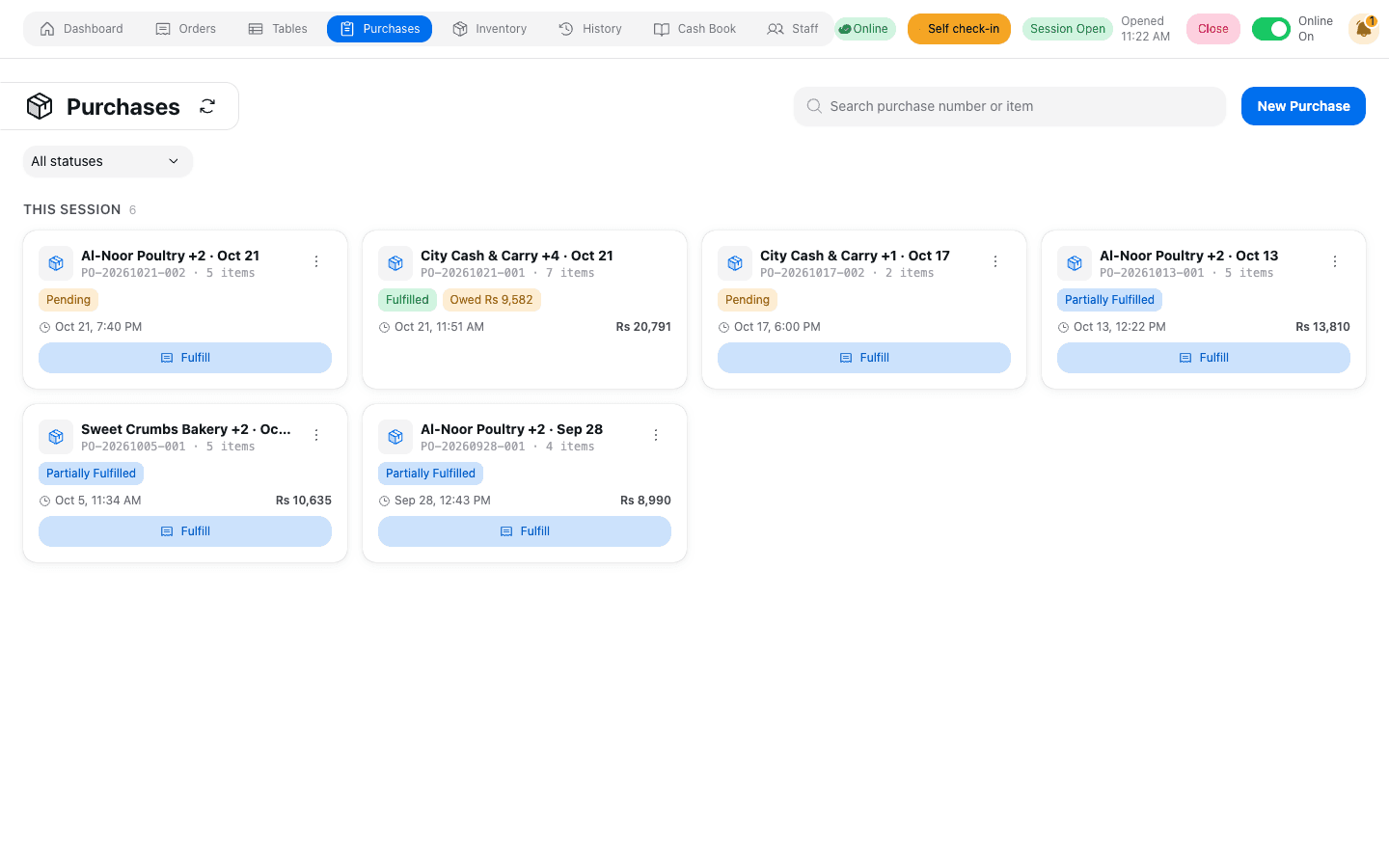
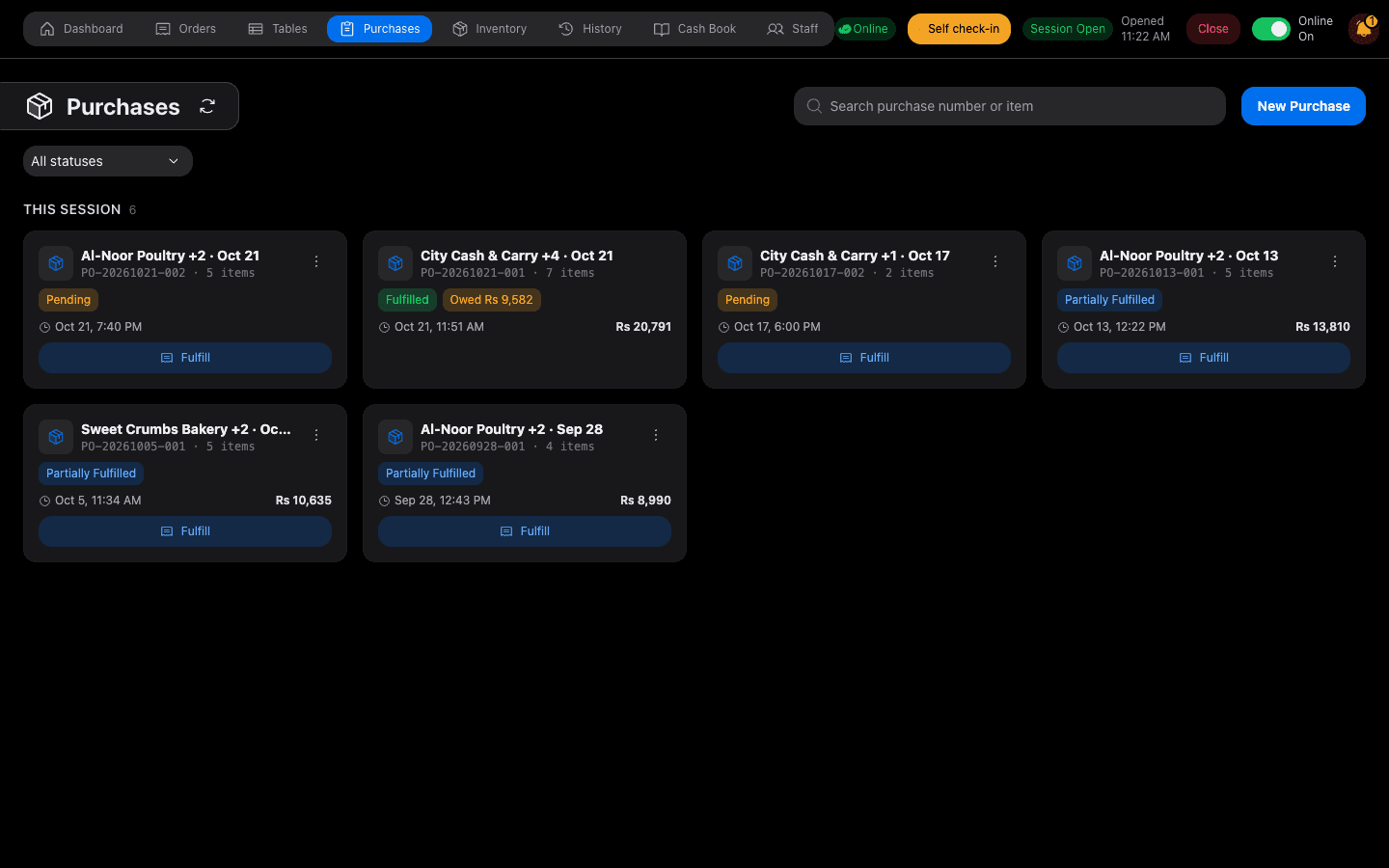
The kitchen raises a demand, the buyer fulfils it at today's price, and the supplier's balance updates itself. Pay them in full or in part and keep the paper trail.
- Purchase demands from the kitchen to the buyer
- Prices captured per delivery, so costs stay honest
- Supplier balances and statements
- Vendor bills filed against the purchase they belong to
Staff, attendance and payroll
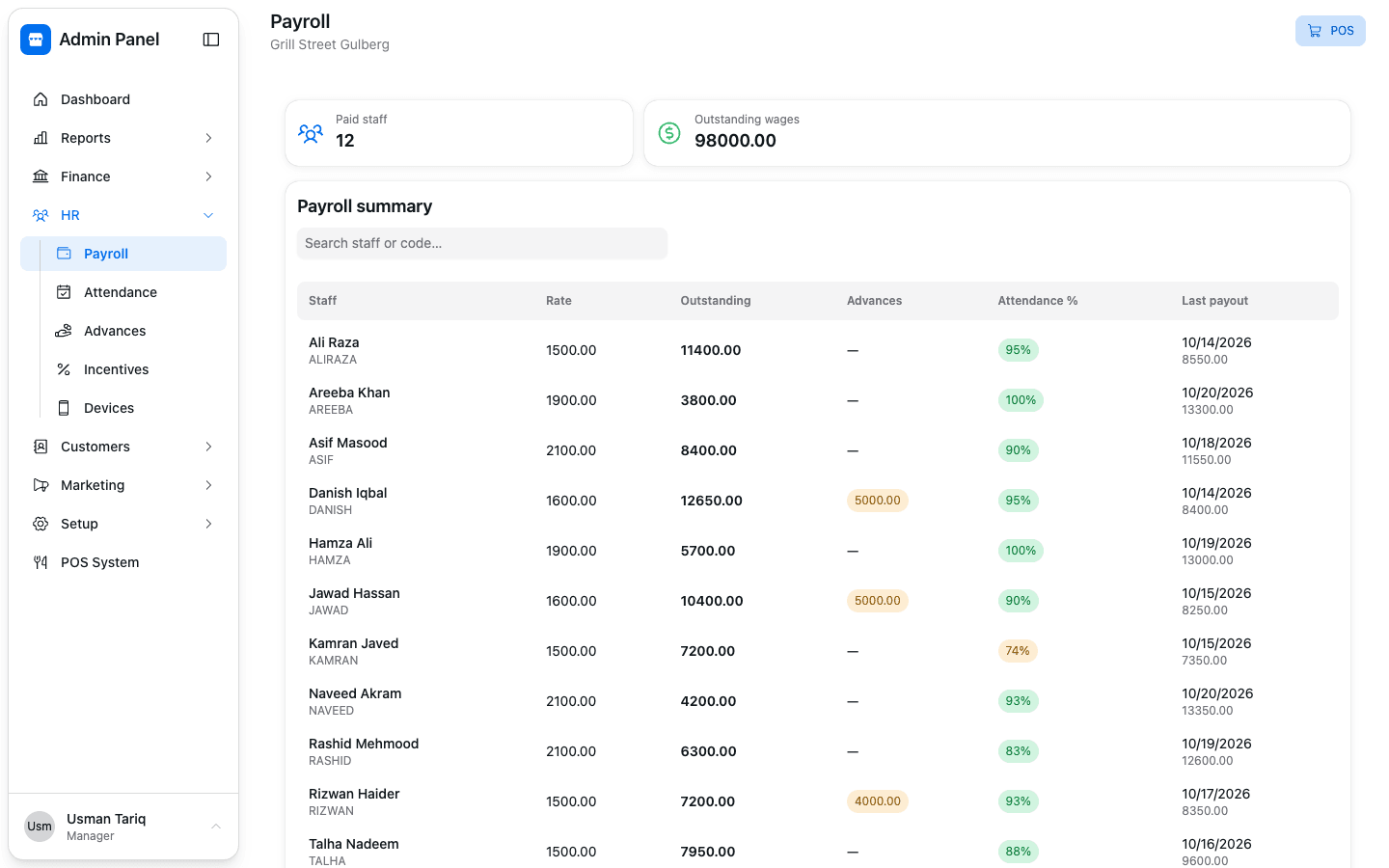
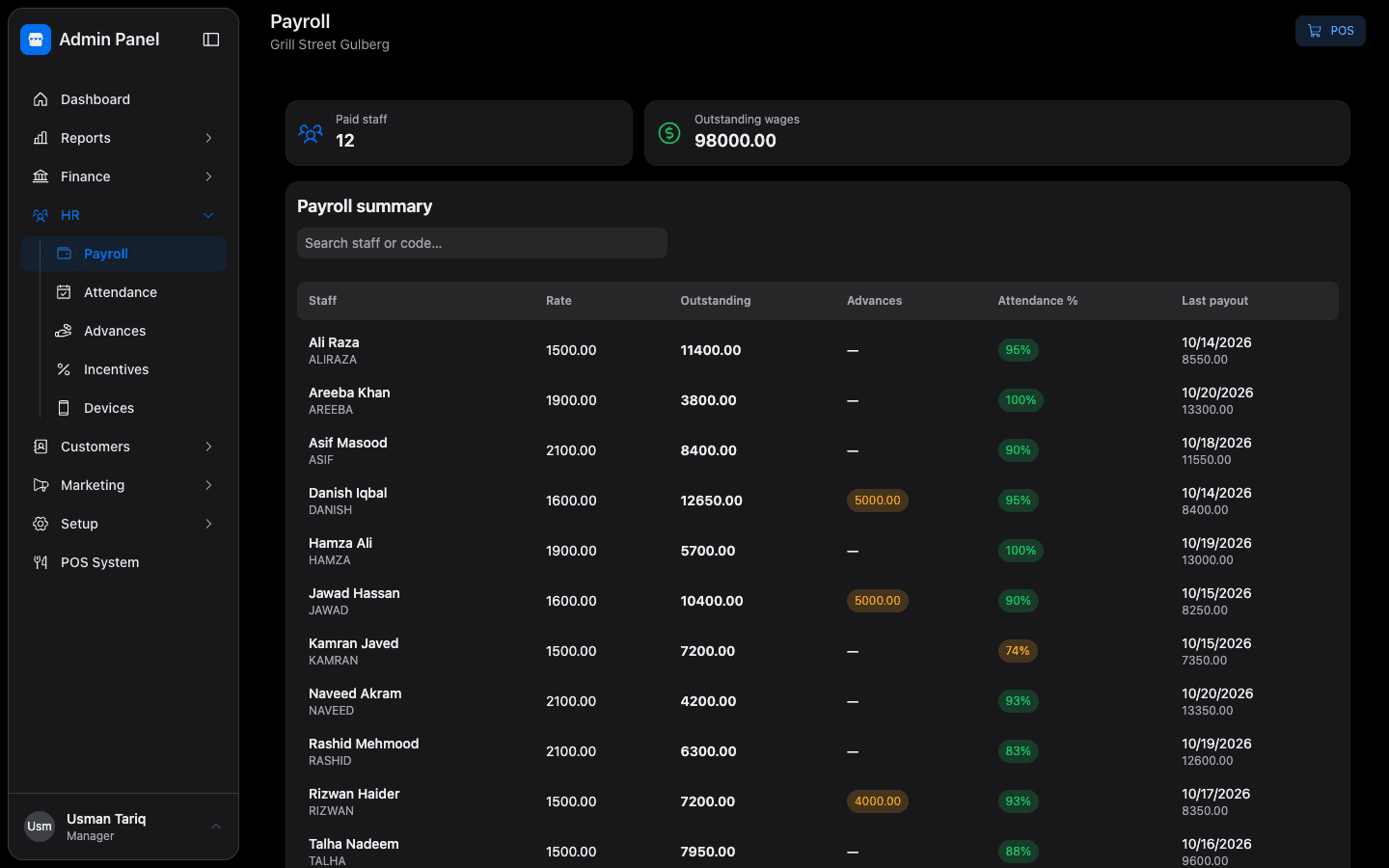
Staff mark attendance, managers see who's in, and salaries work themselves out, with late arrivals, half days and advances already counted.
- Daily attendance roster for every branch
- Salary worked out from attendance, with every deduction explained
- Advances and how they're paid back
- Payouts in full or in part, with a running balance for every employee
Cash book and khata
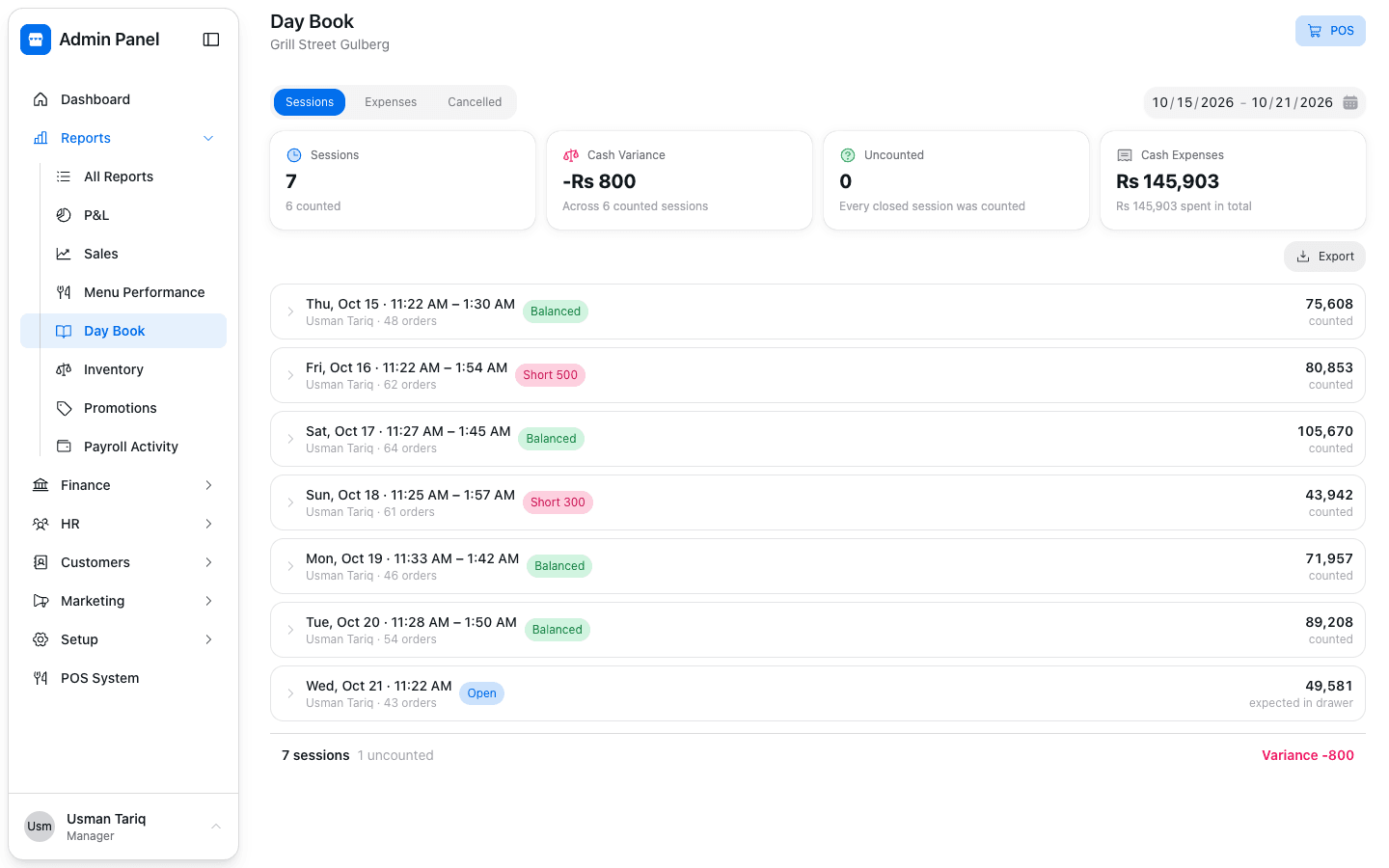
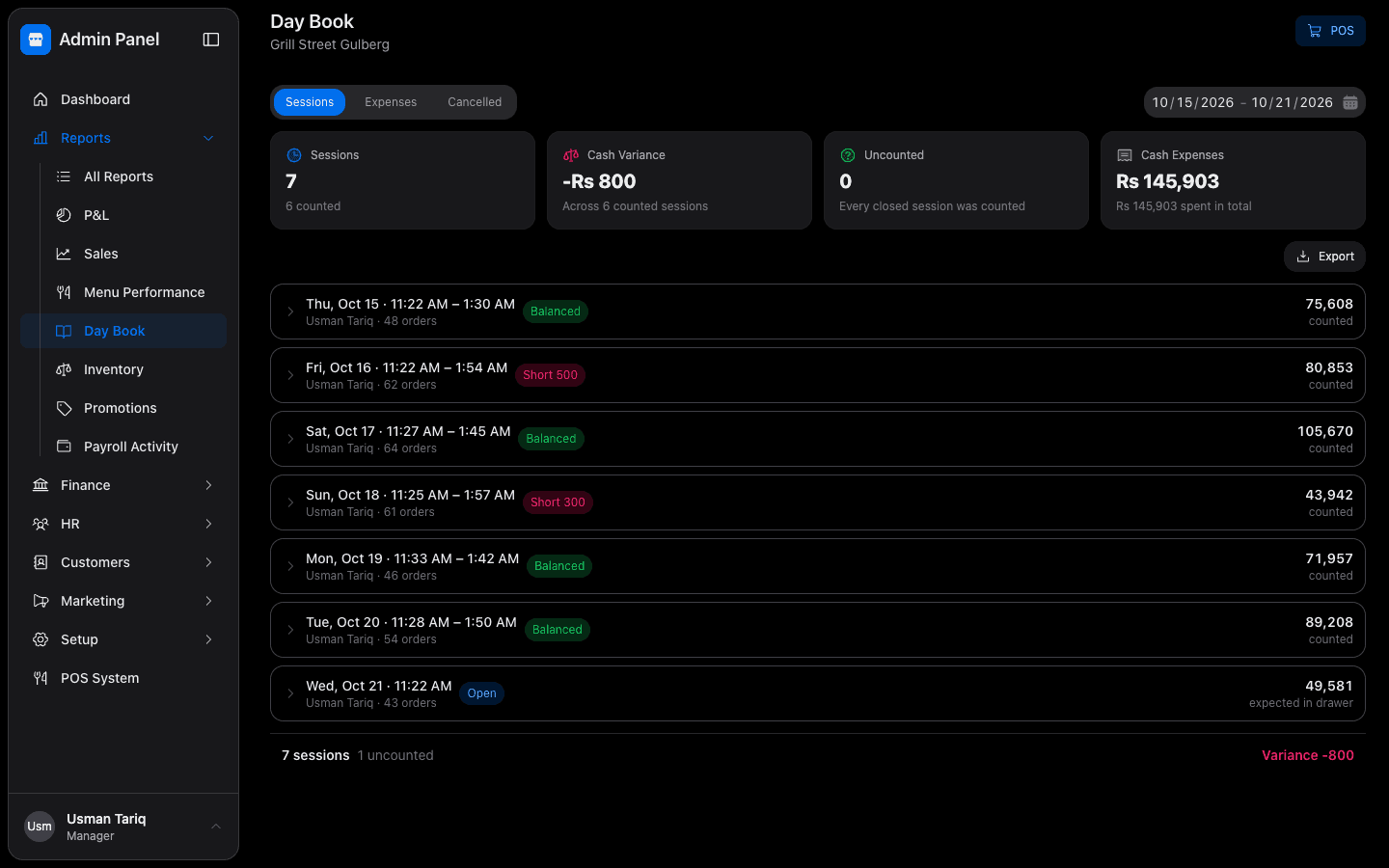
Close the day by counting the drawer, and Munshi tells you if it's short. Regular customers can run a khata, and you can see exactly who owes what.
- Day book that compares counted cash with expected cash
- Expenses by category, straight from the counter
- Customer khata with printed statements
- Payments recorded with the bank or wallet they came through
Reports that answer questions
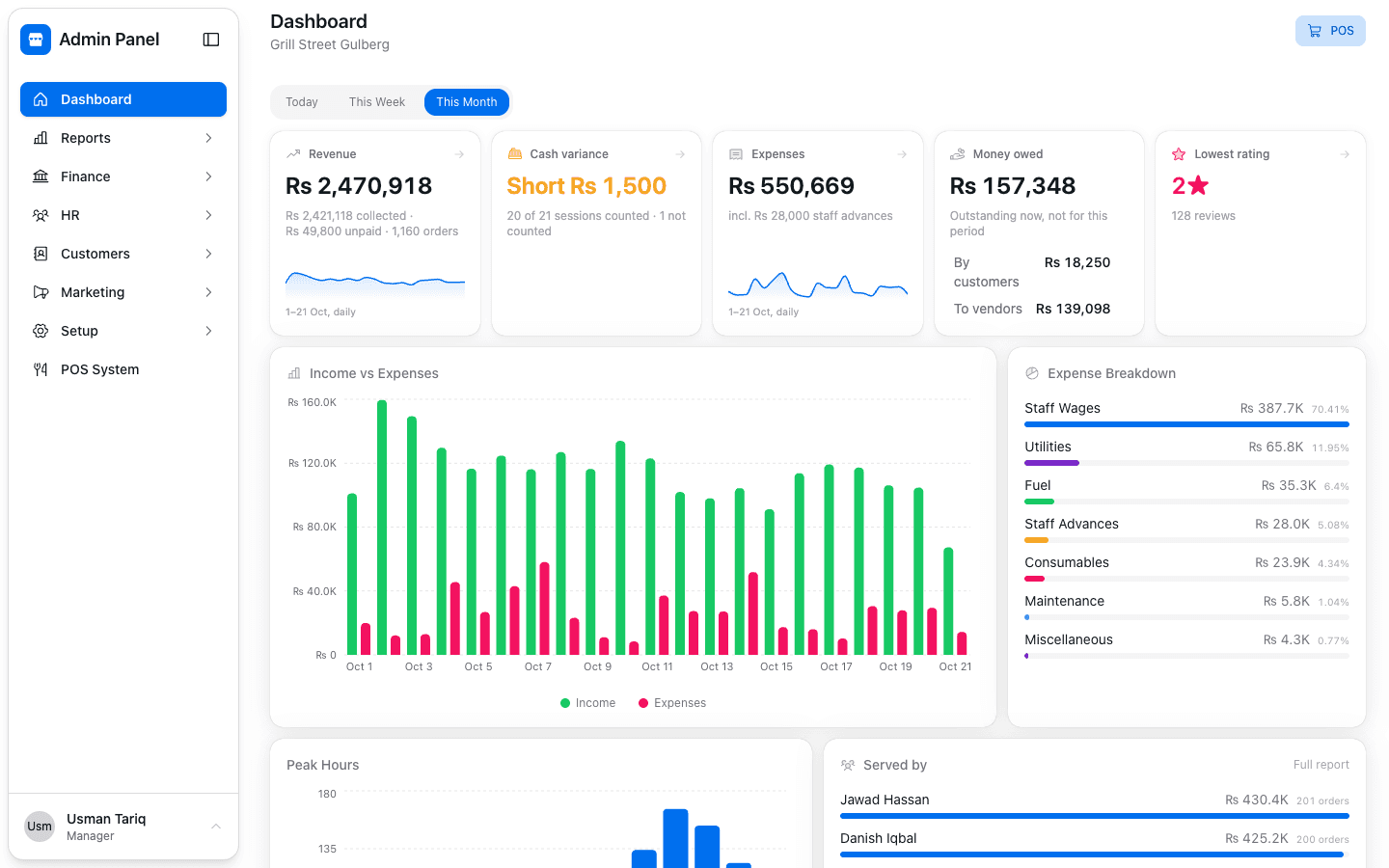
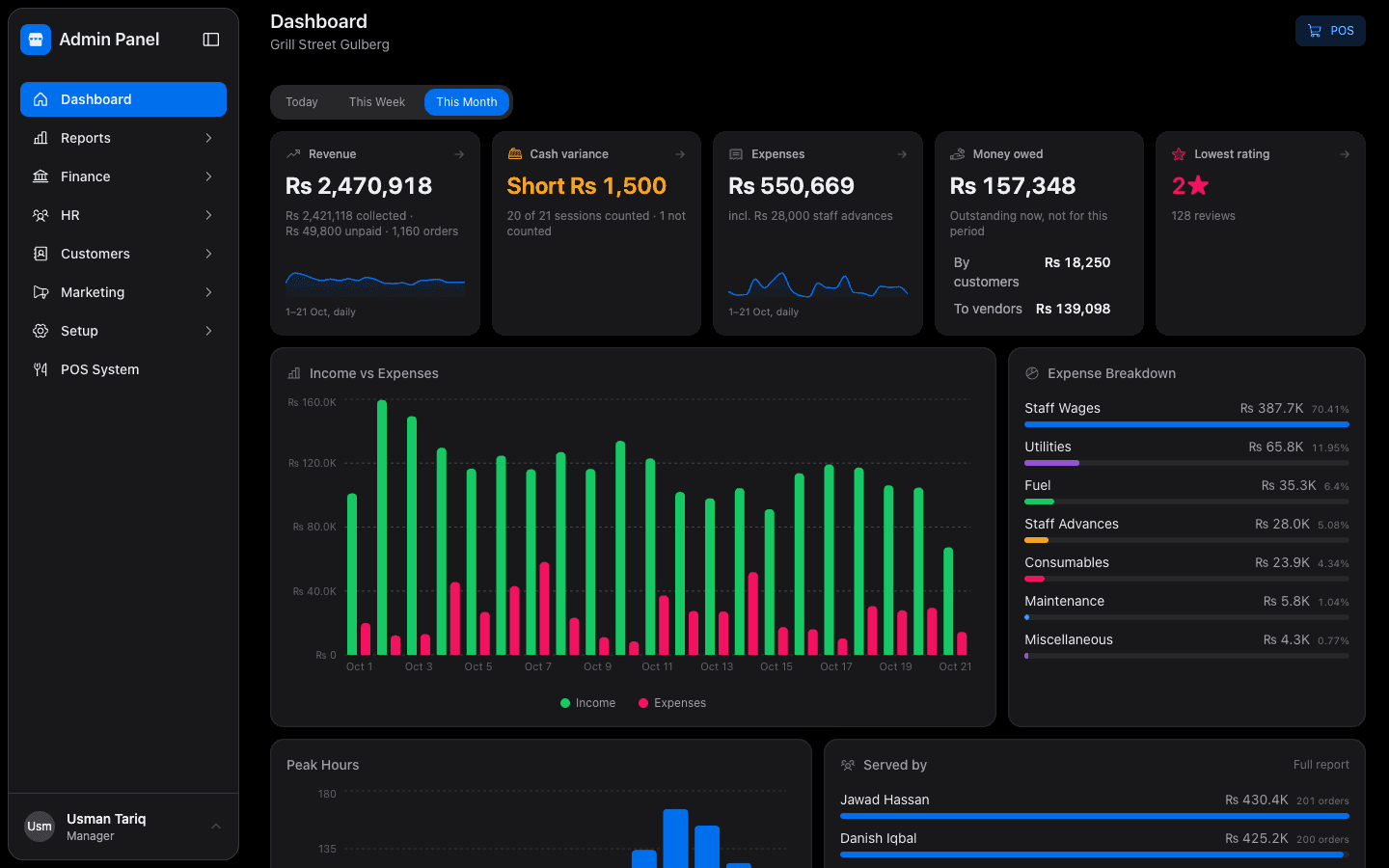
Sales by day, branch, item and payment method. Profit and loss from your real costs. A menu report that shows which dishes earn their place.
- Sales report: what was sold and what was collected
- Profit and loss from real ingredient costs
- Menu report: your stars, and the dishes to rethink
- Weekly summary emailed to the owner
Deals, coupons and loyalty
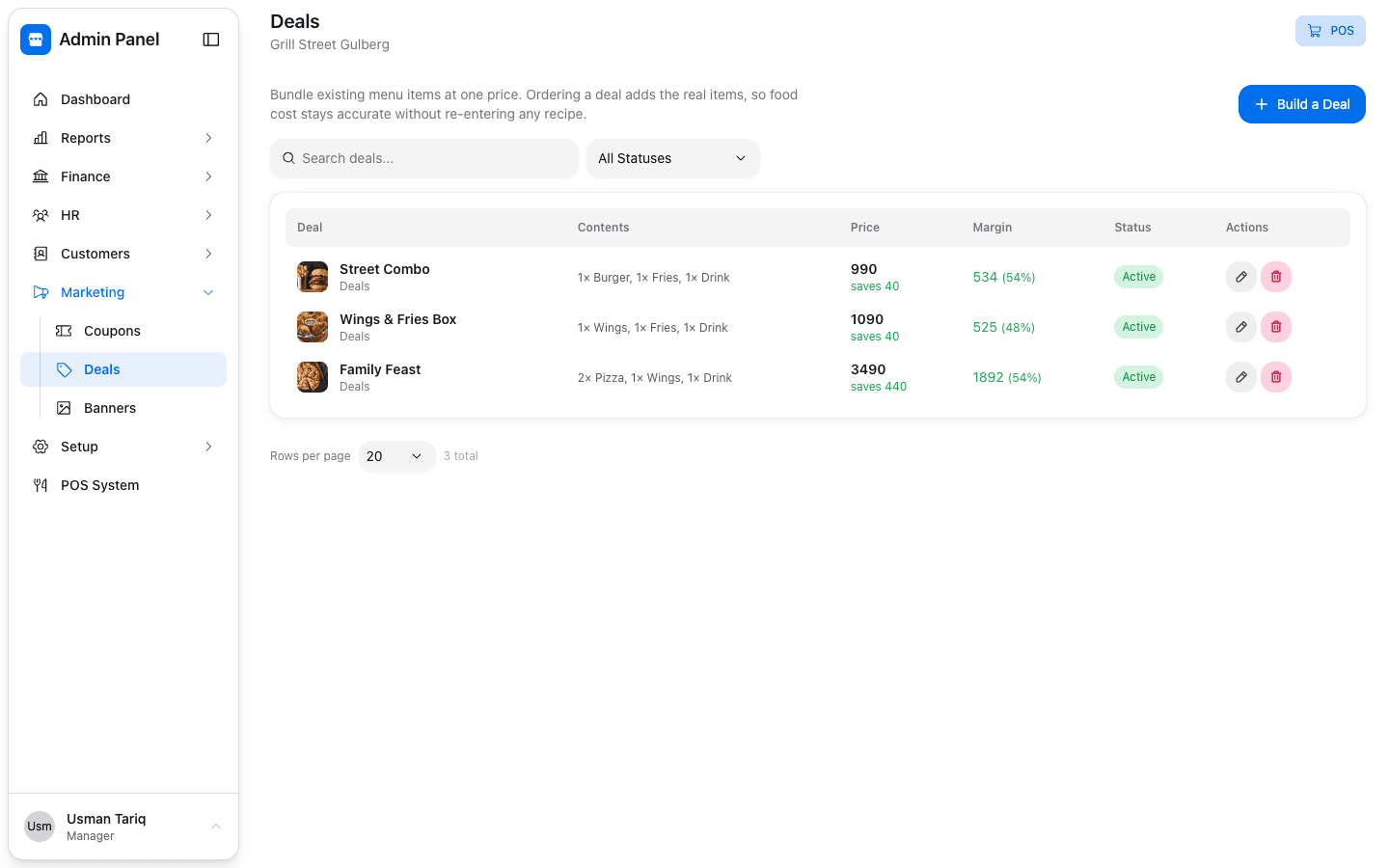
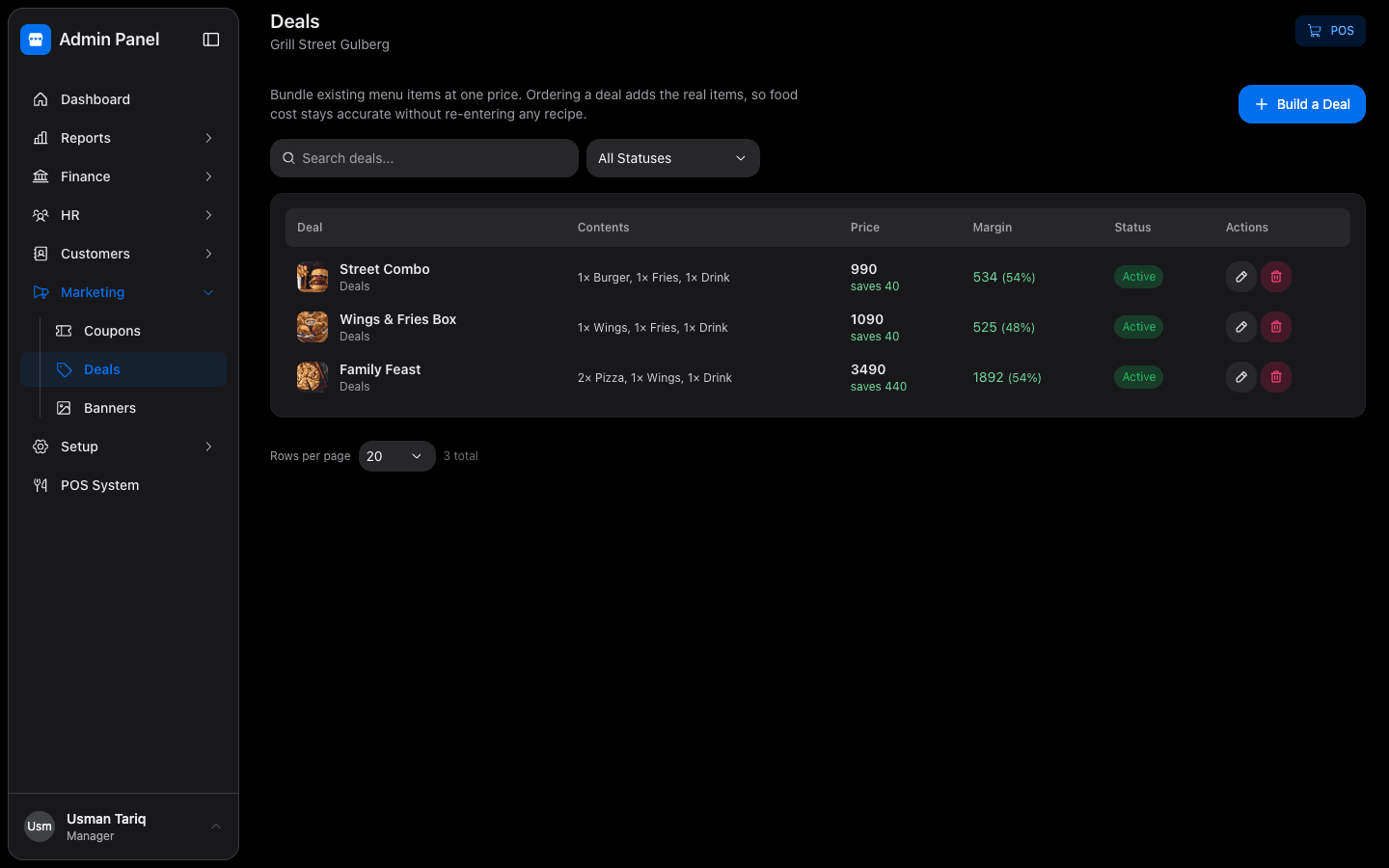
Build deals from your real menu items, run coupons for a time window, and reward regulars. Every rupee of discount shows up in the reports.
- Deal builder with fixed and choice items
- Coupons by date, time of day and order type
- Loyalty rewards for returning customers
- Customer feedback after every order
Every branch, one owner
Run one outlet or ten. Each branch has its own menu, prices, staff and cash, and the owner sees all of them from one login.
- Branch-by-branch settings, menus and prices
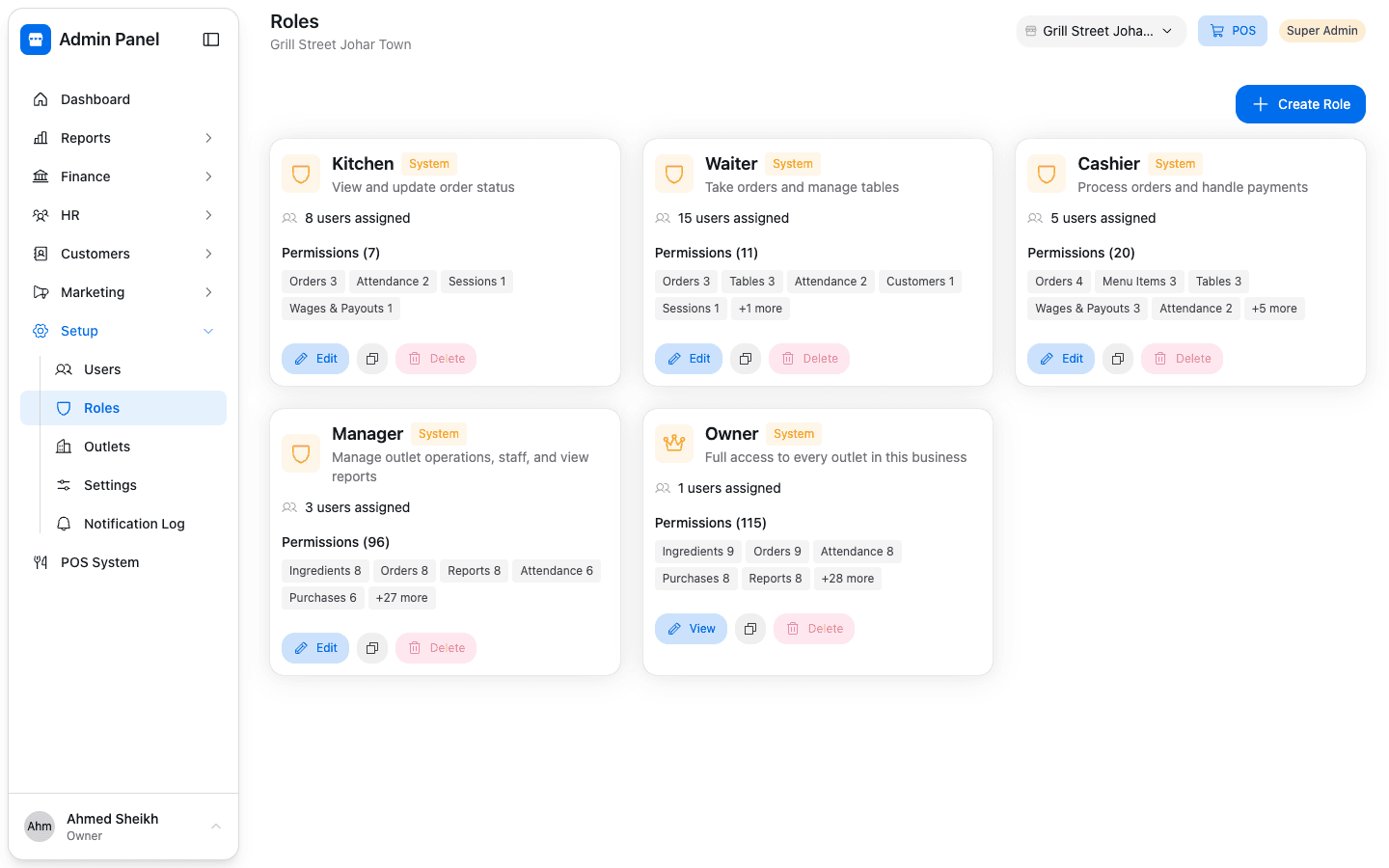
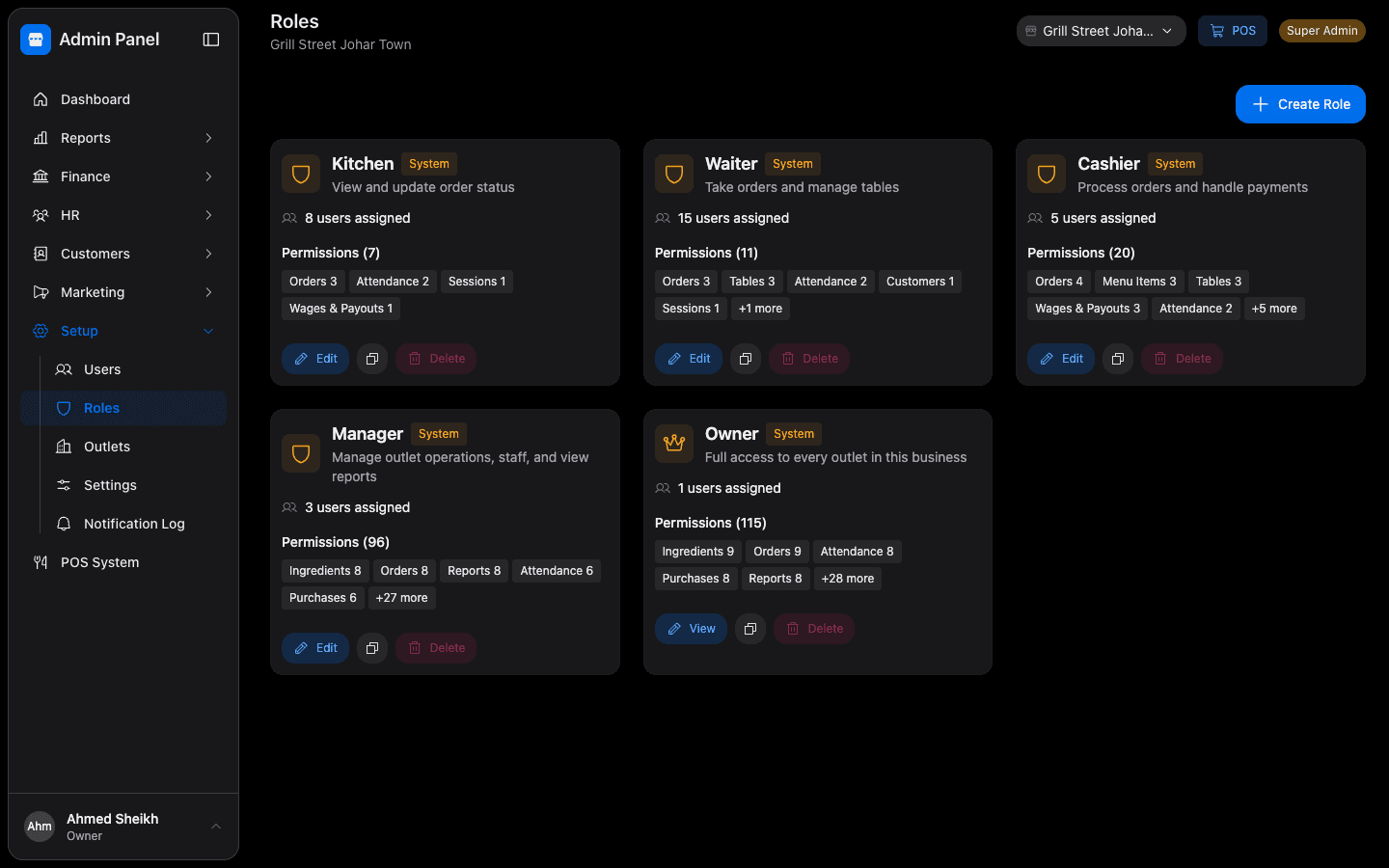
- Roles you design: owner, manager, cashier, waiter, kitchen
- Each person sees only what their role allows
- One login for the owner across every branch
The details that save you every day
Works offline
Orders are saved on the device and sent when the connection returns.
Printing
Kitchen tickets, change tickets, bills and token slips.
Token display board
A TV screen that shows which tokens are being prepared and which are ready.
Roles and permissions
Decide exactly what each role can see and do.
Owner alerts by email
Important events as they happen, and a weekly summary.
Customer feedback
Ratings after every order, from a kiosk or a QR code.
See Munshi running your restaurant
A demo on WhatsApp video or in person. Send us your menu and we'll show it working with your own dishes.